Free C2PA Signing Tool
Add Content Credentials to any image. No signup. 15 free signs per day. Verify with Adobe's Content Credentials viewer or any C2PA-compatible tool.
Free image watermarking
No signup · 20 embeds, 15 C2PA signs, 10 combined per day — free forever
Drop image here or browse
JPEG · PNG · WebP · HEIC · AVIF · max 100 MB
What is C2PA signing?
C2PA (Coalition for Content Provenance and Authenticity) is an open standard for attaching a cryptographically signed manifest to an image or video. The manifest records who created the file, when, with what tool, whether AI was involved, and any copyright or licensing information. Members include Adobe, Microsoft, Google, Truepic, BBC, and hundreds of other organisations. ForensicMark signs your images with a certificate that embeds this provenance data directly into the file.
C2PA is the technical standard underpinning Content Credentials — the specification was published by the Joint Development Foundation and is maintained by the C2PA Technical Working Group. Any C2PA-compatible viewer can independently verify a manifest signed by ForensicMark.
What does a C2PA manifest contain?
When you sign an image with the ForensicMark C2PA tool, the following fields are embedded in a cryptographically signed manifest and stored inside the image file:
- Author / creator name
- Copyright notice
- License (e.g. CC BY 4.0)
- Creator website
- AI-generated flag and tool name
- Creation timestamp and signing certificate
- Hash of the image content at the time of signing
How to sign an image with C2PA
Upload your image using the tool above, fill in the author and copyright fields, optionally flag the image as AI-generated, then download your signed file. The entire process takes under ten seconds and requires no account.
To verify the result immediately after signing, use the C2PA Verify Tool. You can also verify with Adobe's Content Credentials viewer at contentcredentials.org — both will display the manifest because C2PA is an open, interoperable standard.
For batch signing or pipeline integration, the ForensicMark API accepts up to 50 images per request and returns signed files with full manifest control. See the API documentation or request an API key.
Why C2PA alone is not enough
C2PA metadata is stored inside the file as XMP/JFIF data. It is readable by any C2PA viewer and provides strong cryptographic proof of authorship — but it is stripped by most social media platforms on upload. Instagram, X, Facebook, and TikTok all remove file metadata as part of their re-encoding pipeline.
If your image is screenshotted and re-uploaded, the C2PA manifest is gone entirely. The image becomes indistinguishable from an unsigned copy. This is the core limitation of any metadata-only provenance approach.
Pairing C2PA with an invisible watermark gives you complete coverage: the manifest travels with the original file through trusted channels, while the watermark survives re-encodes, screenshots, and social media uploads. Use the "Both" tab in the tool above to embed both in a single operation.
| Feature | C2PA Manifest | Invisible Watermark |
|---|---|---|
| Survives social media upload | No — stripped on re-encode | Yes |
| Survives screenshots | No | Yes (steganographic) |
| Cryptographic proof of authorship | Yes | No (identifier only) |
| Readable by third-party tools | Yes (open standard) | Only by signing service |
| EU AI Act disclosure support | Yes | Partial |
| Tracks image after redistribution | Only if file intact | Yes |
Who uses C2PA signing?
- Photographers and agencies building a verifiable chain of ownership before delivering client work
- AI image platforms disclosing AI-generated content, as required under EU AI Act Article 50
- News organisations verifying photojournalism authenticity before publication
- Stock platforms requiring provenance metadata on image submissions
- Enterprises building audit trails for synthetic content used in marketing materials
- Developers testing a C2PA signing pipeline before production deployment
The open-source C2PA tooling landscape
The C2PA working group published a reference implementation called c2patool —
a command-line tool for signing and verifying C2PA manifests. The repository has since been
archived as development moved to the newer c2pa-rs Rust library, which powers most
production C2PA implementations today.
c2patool GitHub repository, now archived — development has moved to the c2pa-rs Rust library used in modern implementations.
c2pa-rs library is the foundation for most production-grade C2PA signing implementations.
The command-line tools require a signing certificate, manifest JSON authoring, and local installation. ForensicMark wraps this complexity into a browser-based tool that requires nothing except the image you want to sign. For teams that need to integrate C2PA signing into an existing pipeline, the ForensicMark API provides the same capability over HTTP with no local tooling required.
How ForensicMark compares to other C2PA signing tools
Several commercial tools offer C2PA signing, primarily targeting enterprise customers with volume-based pricing. Most require account creation before any signing is possible.
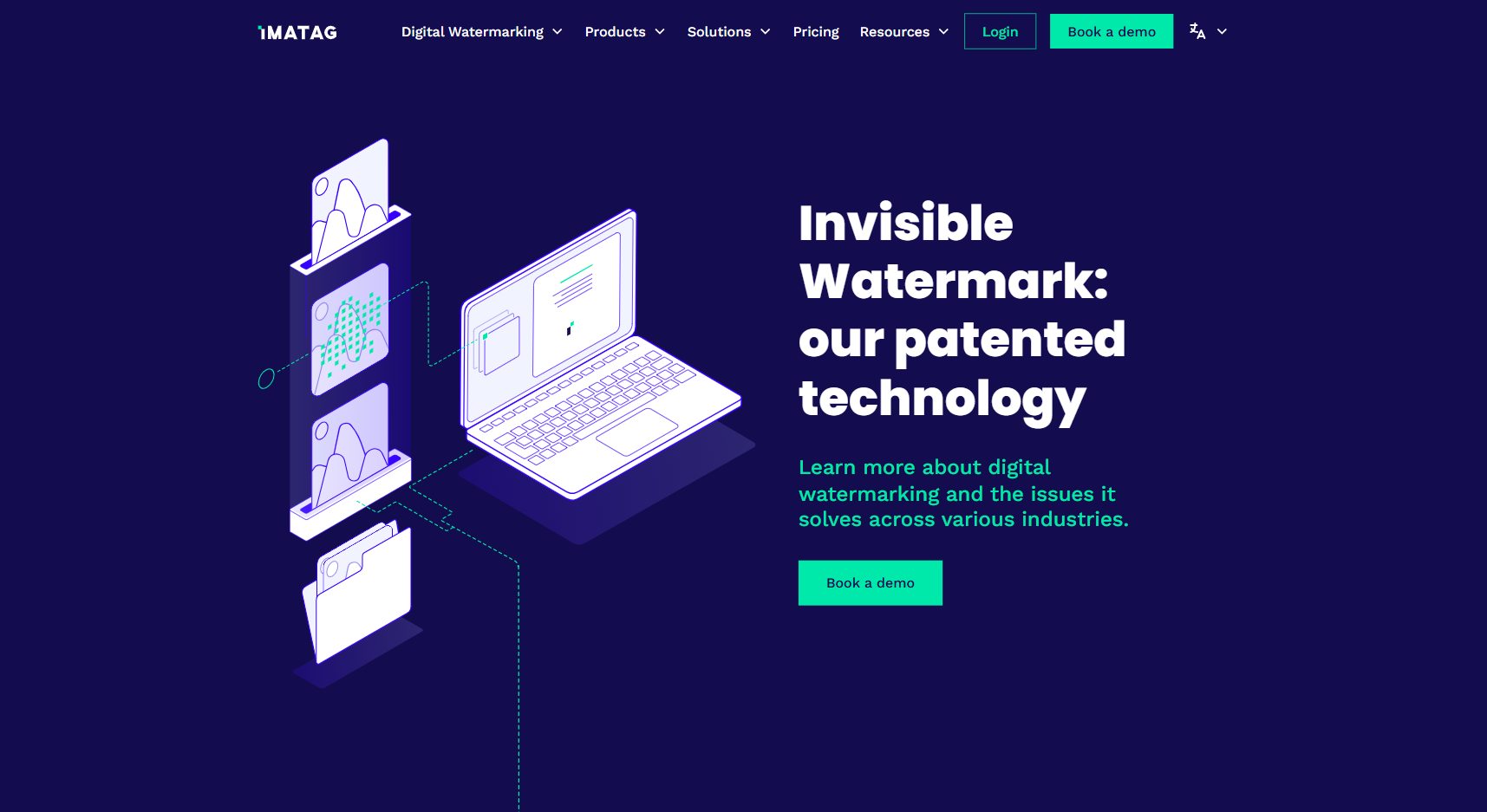
ForensicMark is free for up to 15 C2PA signs per day with no account required. An API key unlocks unlimited signing, batch processing, and MCP server access for AI agent workflows. On-premise Docker deployment is available for data-sovereignty requirements.
C2PA signing for EU AI Act compliance
Article 50 of the EU AI Act requires providers of AI systems that generate synthetic content to mark that output in a machine-readable format. C2PA content credentials — specifically the AI-generated flag field — are a technically recognised approach for satisfying this disclosure requirement.
If you are using AI image generation in a commercial context, signing each output with a C2PA manifest that includes the AI-generated flag creates an auditable record of disclosure. ForensicMark's "Both" signing mode embeds the C2PA manifest alongside an invisible watermark in a single step, covering both the legal disclosure requirement and post-redistribution tracking in one operation.
Frequently Asked Questions
What is C2PA signing?
C2PA signing embeds a cryptographically signed manifest into an image file, recording who created it, when, with what tool, whether AI was involved, and any copyright or licensing information. The manifest is verified using a certificate chain so recipients can confirm the provenance data has not been tampered with.
Does C2PA signing survive social media uploads?
No. Instagram, X, Facebook, and TikTok re-encode images on upload, stripping the C2PA manifest along with all other file metadata. Pair C2PA signing with an invisible watermark to maintain provenance tracking after social media redistribution.
Is this C2PA signing tool free?
Yes. 15 free C2PA signs per day, no account required. For unlimited signing, batch processing, and API access, request an API key below.
Can I verify a signed image with a third-party tool?
Yes. C2PA is an open standard. Images signed by ForensicMark can be verified by Adobe's Content Credentials viewer at contentcredentials.org, any C2PA-compatible viewer, or the open-source c2patool. You can also use the ForensicMark C2PA Verify Tool for an instant check.
What image formats does C2PA signing support?
JPEG, PNG, WebP, AVIF, HEIF, and TIFF in the browser tool. The ForensicMark API also supports MP4 video and PDF signing per the C2PA specification.
What is the difference between C2PA signing and invisible watermarking?
C2PA signing embeds a cryptographically verified provenance manifest readable by any C2PA-compatible tool — but it is stripped by social media on upload. Invisible watermarking hides an identifier in pixel data that survives re-encoding and screenshots — but is only readable by the service that embedded it. Using both together gives you complete coverage.
Related Tools
Need more than 15 signs per day?
Get an API key for unlimited C2PA signing, batch processing, and MCP server access. On-premise Docker available for data sovereignty requirements.
Get API AccessLearn more: What is C2PA? Content Credentials explained | EU AI Act watermarking requirements